From words
to volume
Describe shape and dimensions in everyday language. Generate code, build the model and refine the result in FreeCAD.
- Parameters and geometry
- Corrections through conversation
- A model and code for further work
Describe a product. Create a 3D model in FreeCAD, work through its components and estimate its cost with TextToCAD.
For engineers, workshops and manufacturing teams.
 FROM IDEA TO MODEL ↗FREECAD + AITHINK IN 3D.
From the first description to a cost discussion, tools help connect the stages of working on a product.
Describe shape and dimensions in everyday language. Generate code, build the model and refine the result in FreeCAD.
Prepare geometry for a slicer or another CAD tool. Check dimensions and save the files you need.
Bring materials, hardware and operations into one estimate. Adjust prices and prepare a quotation for your customer.
Your decisions, adjustments and engineering checks remain part of the workflow.
What needs to be made, from what and at what size. Add an existing model or drawing if available.
TextToCAD helps prepare code and a model. Inspect the result and make changes.
Parts, materials and operations become the basis of a bill of materials and an initial estimate.
Save the model, check files and costs, and prepare documents for the next stage.
Ambitious projects deserve a detailed look. Coming soon: engines, a car from scratch and more engineering challenges.
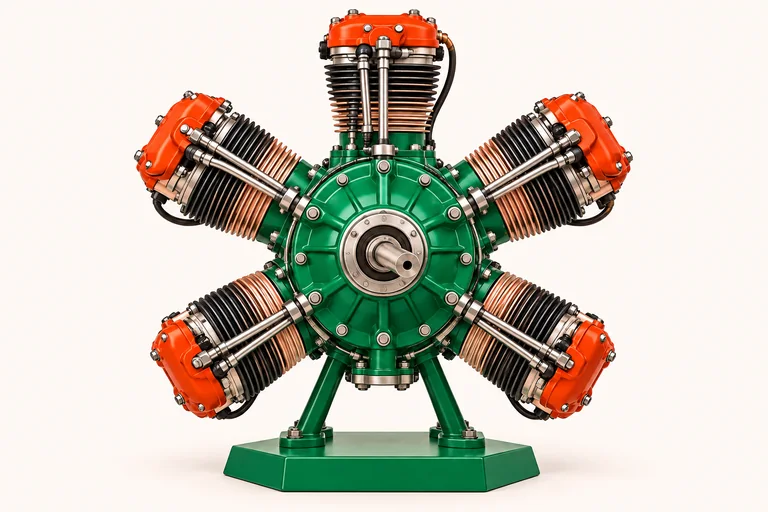
Five cylinders. One engineering story.
AI-created concept preview. The detailed case is being prepared.
Cyberpunk character. Engineering in plain sight.
AI-created concept preview. The detailed case is being prepared.Model examples from project materials, from individual products to spatial structures.
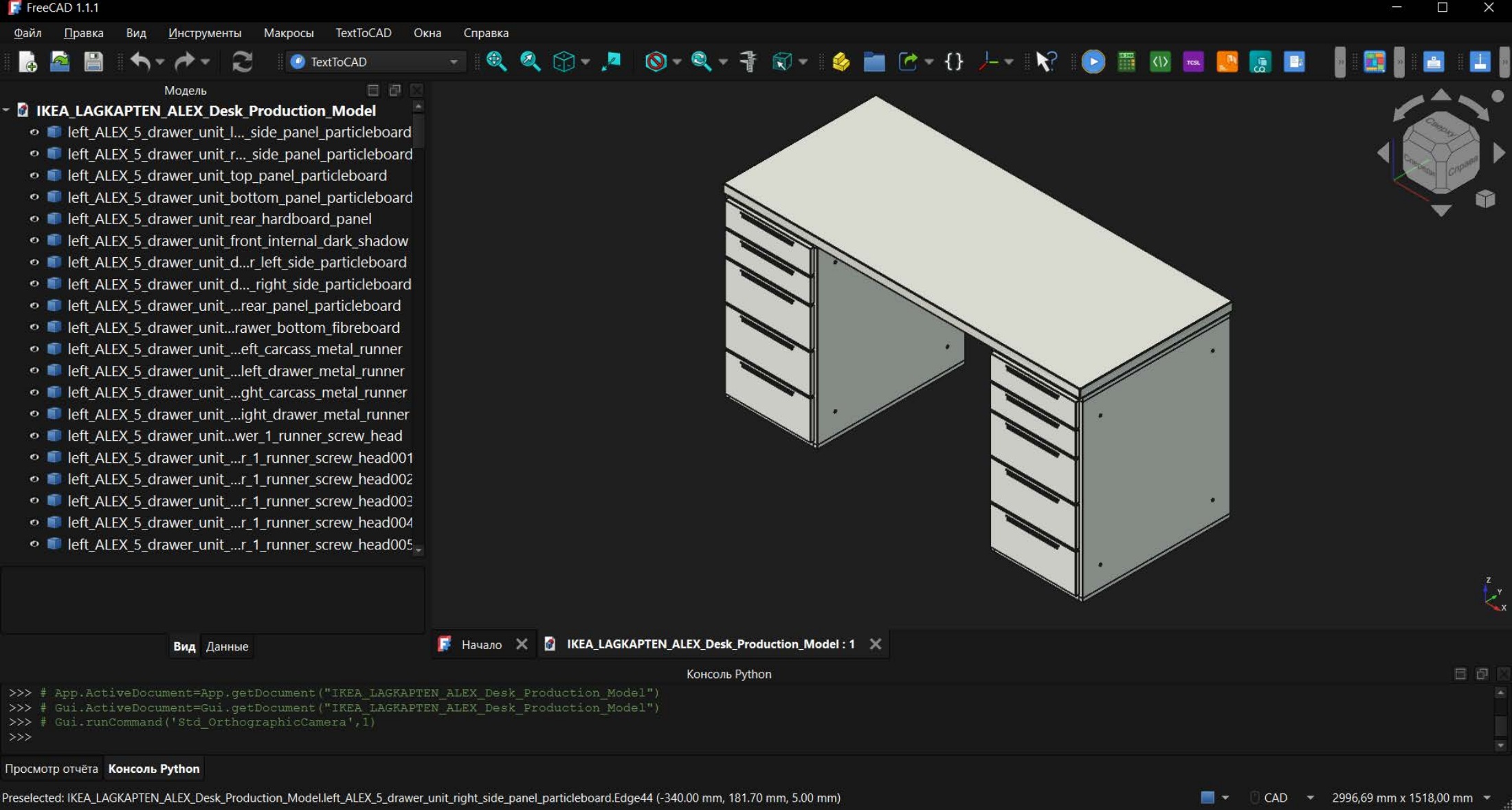
A carcase, panels and drawers. An example of representing a product as individual parts in CAD.
A geometry example. Manufacturing requires structural review and process preparation.

Treads, a support and a railing in one spatial model. View the geometry from different angles.
A geometry example. Manufacturing requires structural review and process preparation.

A spatial model with framing, cladding and openings. Its shape helps discuss the layout before further development.
A geometry example. Manufacturing requires structural review and process preparation.
Every product has components. Each line has a quantity, a material, an operation and a price.
TextToCAD Price helps collect this data, include extra costs and prepare a quotation. Review the line items and adjust the estimate before sending it.
Explore Price capabilitiesShape, dimensions and purpose. Start with a model in FreeCAD and files for further work.
Discuss this workflowA few words about working together, access and results.
Engineers, workshops, makers and manufacturing teams who want to connect a product description with a model, bill of materials and initial cost estimate.
You can begin the brief in everyday language. Checking geometry and assemblies and preparing for manufacture require CAD skills and specialist involvement. TextToCAD works on top of FreeCAD.
Yes. An existing document or prepared bill of materials can be used for costing. Components, units and prices must be checked for the specific product.
The model opens in FreeCAD. AI processing depends on your provider: a cloud service or a local model through Ollama. Choose a configuration that meets your data requirements.
Write to us and describe one typical product. We'll discuss your inputs, desired output and suitable tools.
Guides, TCSL principles and research are collected in a dedicated library.
Tell us what you make and what result you need. We'll choose a workflow for the first run.
NEXT / THE DEMO COLLECTION
Engineering demos and concepts: illustrated previews, available browser tools, and room for real models and documented results.
Concept · coming soonA low silhouette, exposed chassis, removable panels and engineering in plain sight. A car worth looking at—and taking apart.
Explore the project ↗Concept · coming soonFive cylinders around one centre. An upcoming engine breakdown, from the overall layout to components and the relationships between them.
Explore the project ↗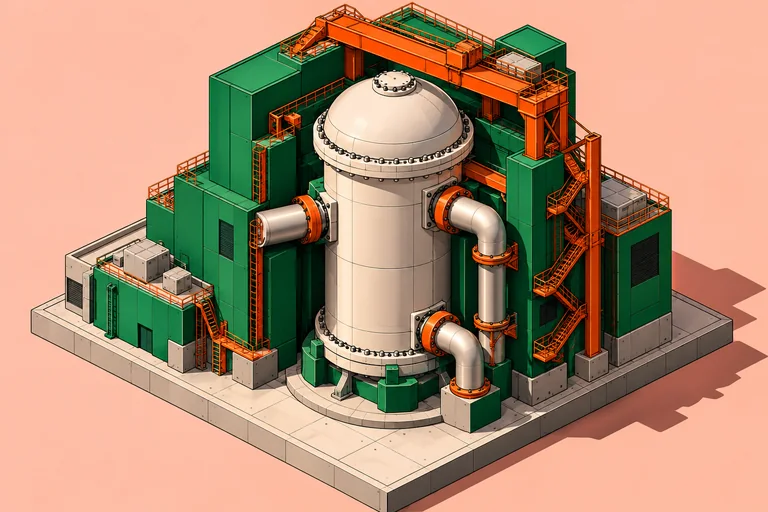 Concept · coming soon
A large-scale theme for an upcoming demonstration: organising a complex model, levels of detail and a readable assembly structure.
Explore the project ↗